How to Craft the Perfect Social Media Caption
How to Craft the Perfect Social Media Caption
You just spent way more time than you’d like to admit on the hunt for the perfect picture to post on Instagram. Do you now have to come up with a clever caption to go along with it that will grab the attention of your online audience?
Yes, you most certainly do. But this doesn’t have to be an all day process.
You can’t rely on a thumb-stopping picture alone to get the job done, you need to marry the two together then sit back, and watch your comments take off. The more comments and engagement you have on your posts, the more they’ll be seen.
We’ll share some tips on how to craft the perfect social media caption that will get your audience talking to you.
Give Them a Reason to Respond
Before you start to write your caption, take a step back and picture your ideal client. Now picture that you’re about to meet with them at a coffee shop for the first time. What would you say to them?
You’ll most likely ask them questions about their wants and needs to build a relationship and in turn, provide them with valuable information.
You want to take the exact same approach on social media. Take a look at this example:
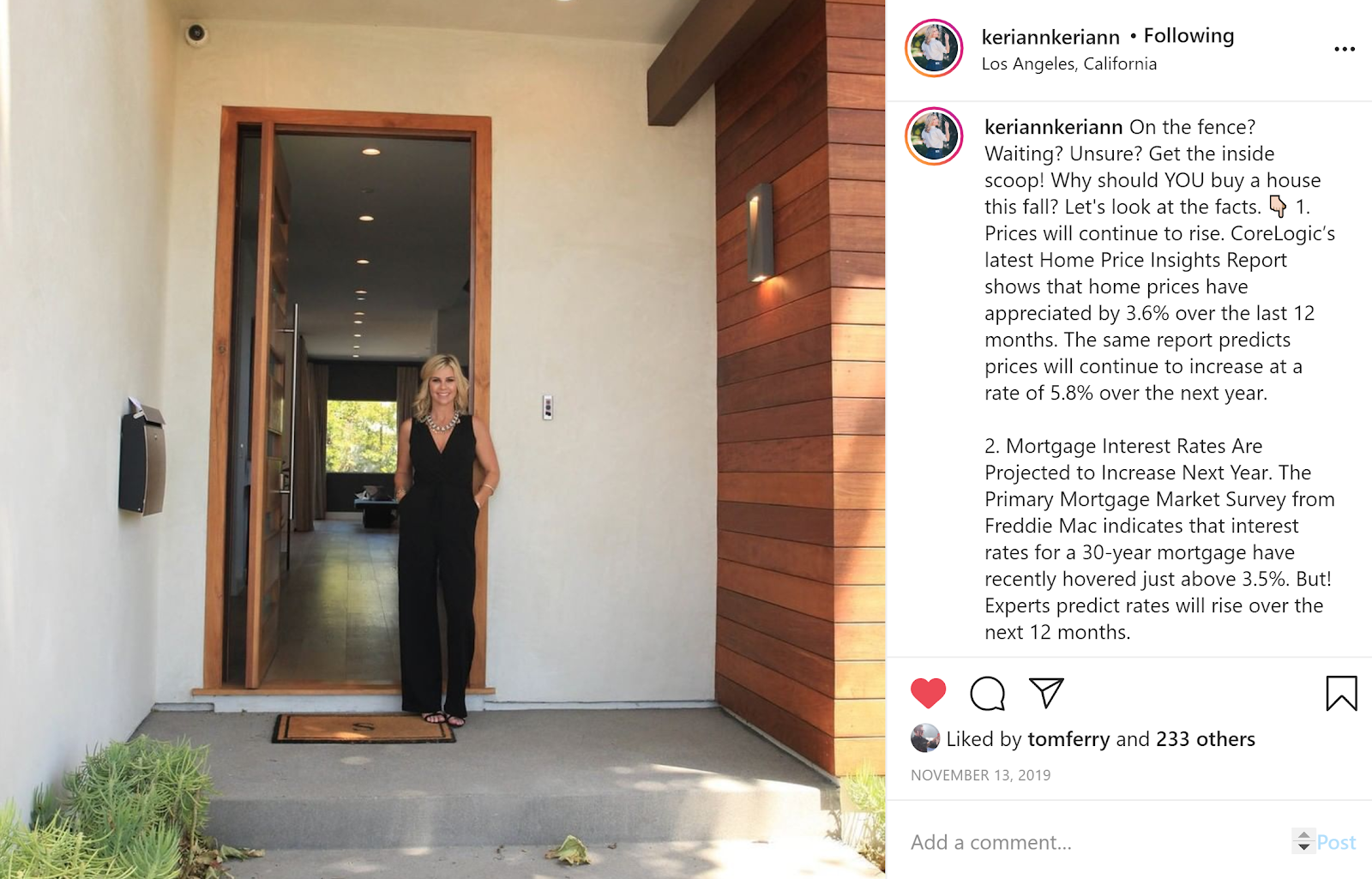
Instead of just posting a boring picture of a listing, Keri jumped in the photo too and opened the front door to create a welcoming atmosphere. Now, her followers feel that personal connection to her right away.
She also wrote the caption as if she was talking to a hesitant buyer client. Those reading her post who are on the fence, waiting, and unsure instantly feel like she’s talking directly to them and want her inside scoop.
She’s really giving them something to grab onto when she provides the reasons why their dream home is more in reach than they most likely thought. She’s educating and providing them with valuable, relevant facts (not just her opinion) that they need in that moment to help kick their uncertainties.
Remember, people are driven to buy from people that they like, know, and trust. It’s the small things that will convert random followers into loyal clients.
Deliver a Direct Call to Action (CTA)
Now that you’ve given them a reason to respond, give them a way to respond. Let them know what you want them to do AND how it will benefit them. At the end of the day, everyone wants to know what’s in it for them or there’s no value in it.
It’s important to note that you don’t want to use the exact same CTA on every post or you’ll sound like a broken record.
Check out Keri’s CTA in that same post:

Your goal is to create engagement, not just tell people to buy from you or list with you. Here are some other examples you can use that will help you do just that:
Comment below and let me know what’s holding you back from buying a home!
Hop on over to my blog and check some related posts (use the direct link to your blog on Facebook or include it as a link in bio on Instagram).
Tag a friend who’s also looking for their dream home!
Check out my FREE eGuide on the homebuying process (use the direct link on Facebook or include it as a link in bio on Instagram).
Tell a Story
If it’s one of those days you struggle to come up with an engaging caption, simply tell a story! It’s one of the best ways to relate to your followers.
Share an anecdote, personal struggle, or any story you think your online audience can relate to. Your personality and vulnerability will shine through and that’s what will create that immediate trust.
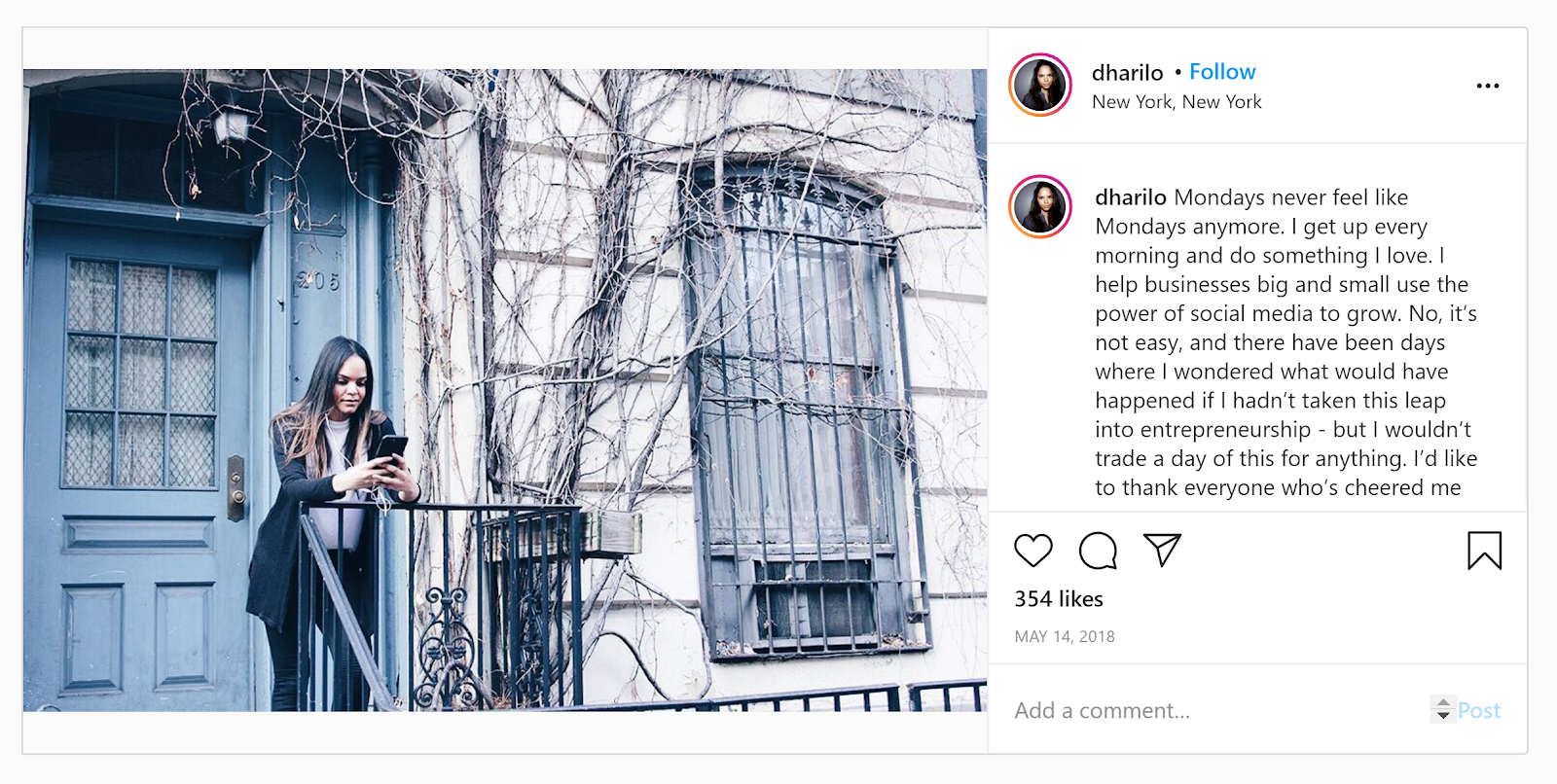
As an agent, you probably share more business-related posts on social media, so a personal caption is really going to stand out.
Tips to Caption Your KCM Content
Luckily, you don’t have to search for that perfect post all day when you use your KCM content. But remember, you don’t want to post the image alone even if it’s an eye-catching visual containing words or data.
Here are a few examples on how to caption your KCM posts for social media:
1. Localize
You can download slides from your monthly market report in PowerPoint and customize them for your local market to post on social media.
KCM Member, Lily Alspaugh customized one of her slides and then created a caption based around her local data in Cypress, Texas on home inventory:
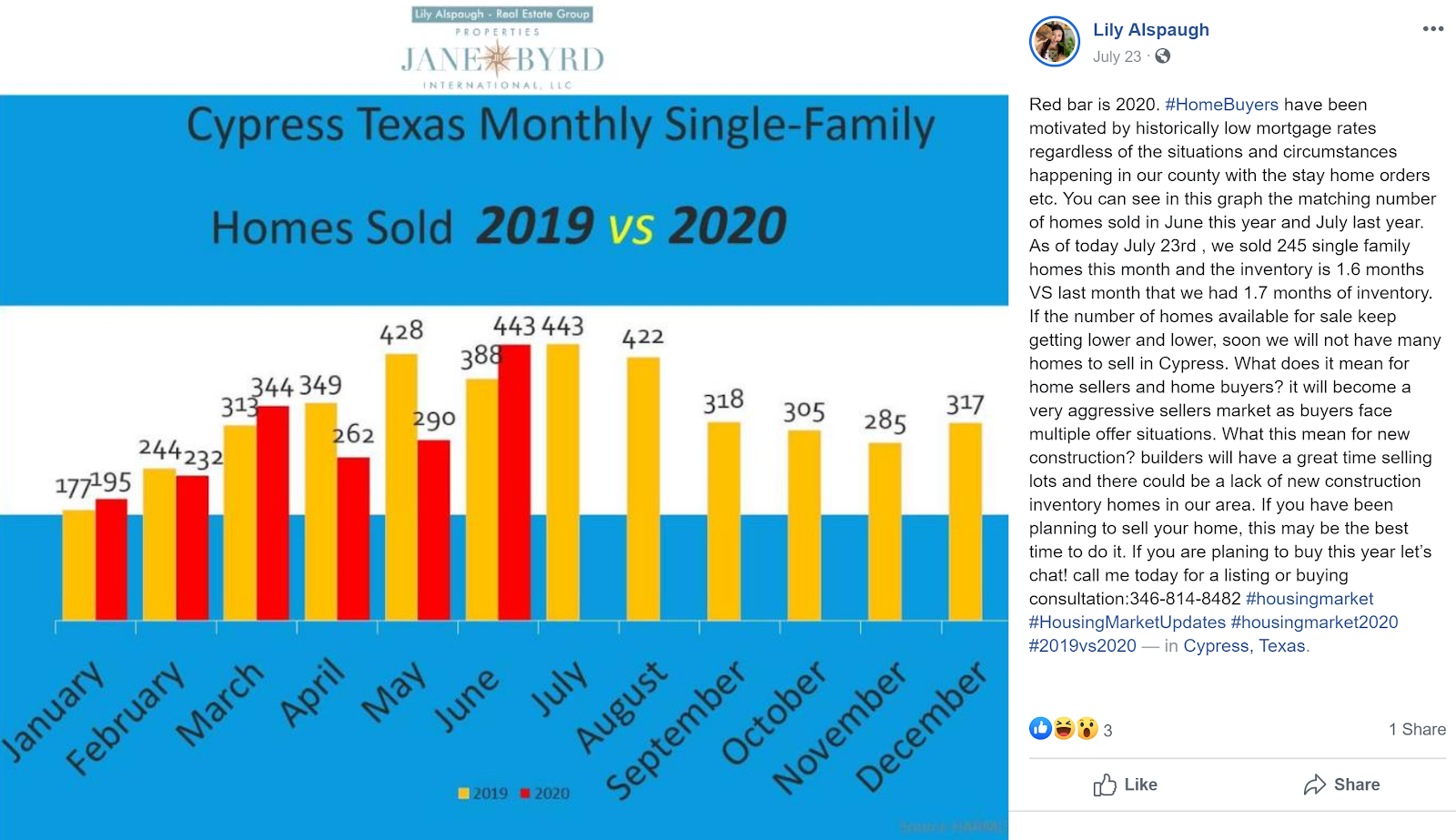
And check out her call to action!
2. Copy and Paste Your Blog Bottom Line
All of your blog posts contain a bottom line that’s typically one-two brief sentences that summarizes the main theme(s) of the blog. Simply copy and paste that into your caption:
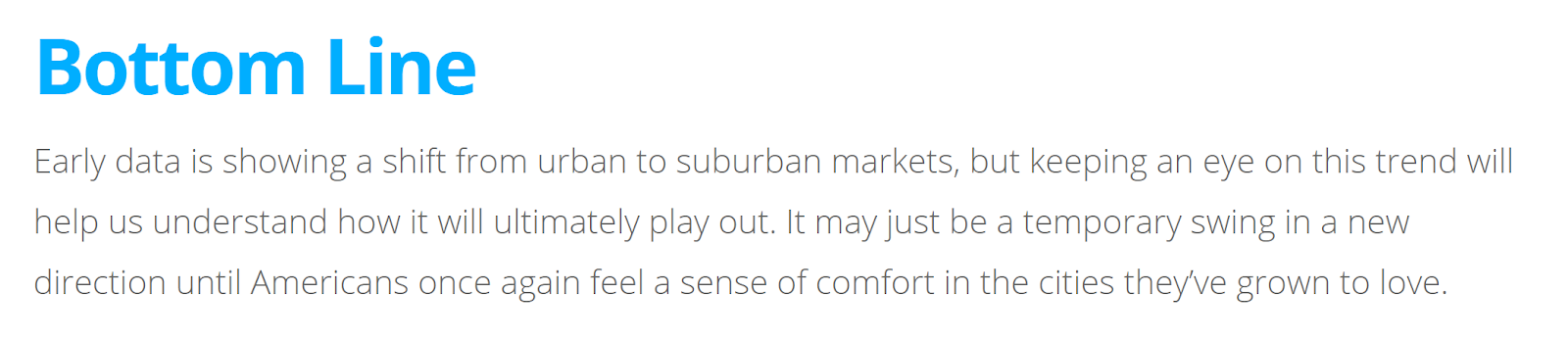
You can use it as is or add emojis, a personal note, or local data.
Here’s an idea of how you can personalize that example:
Early data is showing a shift from urban to suburban markets . Many that currently live in downtown Washington, D.C. are migrating out to parts of Virgina such as Vienna, Mannasaas, and Gainesville. This is due to more remote employees wanting home offices and they can get a bigger bang for their buck out in the burbs. But, keeping an eye on this trend will help us understand how it will ultimately play out. It may just be a temporary swing in a new direction until Americans once again feel a sense of comfort in the cities they’ve grown to love.
DM me if you have questions about how to position your family in the housing market this year.
3. Use Your Pre-Written Captions
Did you know that your daily blog now comes with a pre-written caption for Instagram?
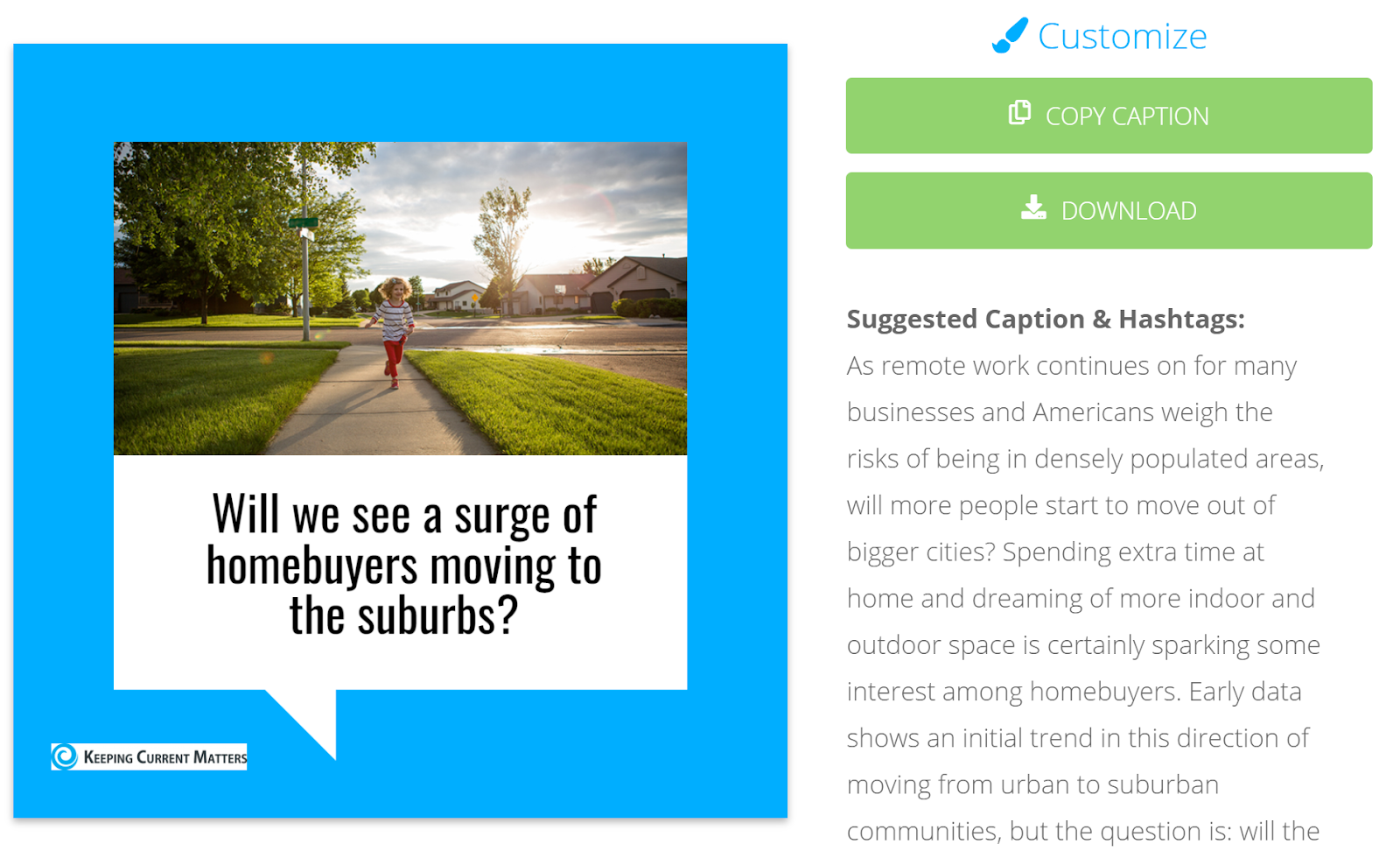
You can easily copy this caption and paste it directly into Instagram.
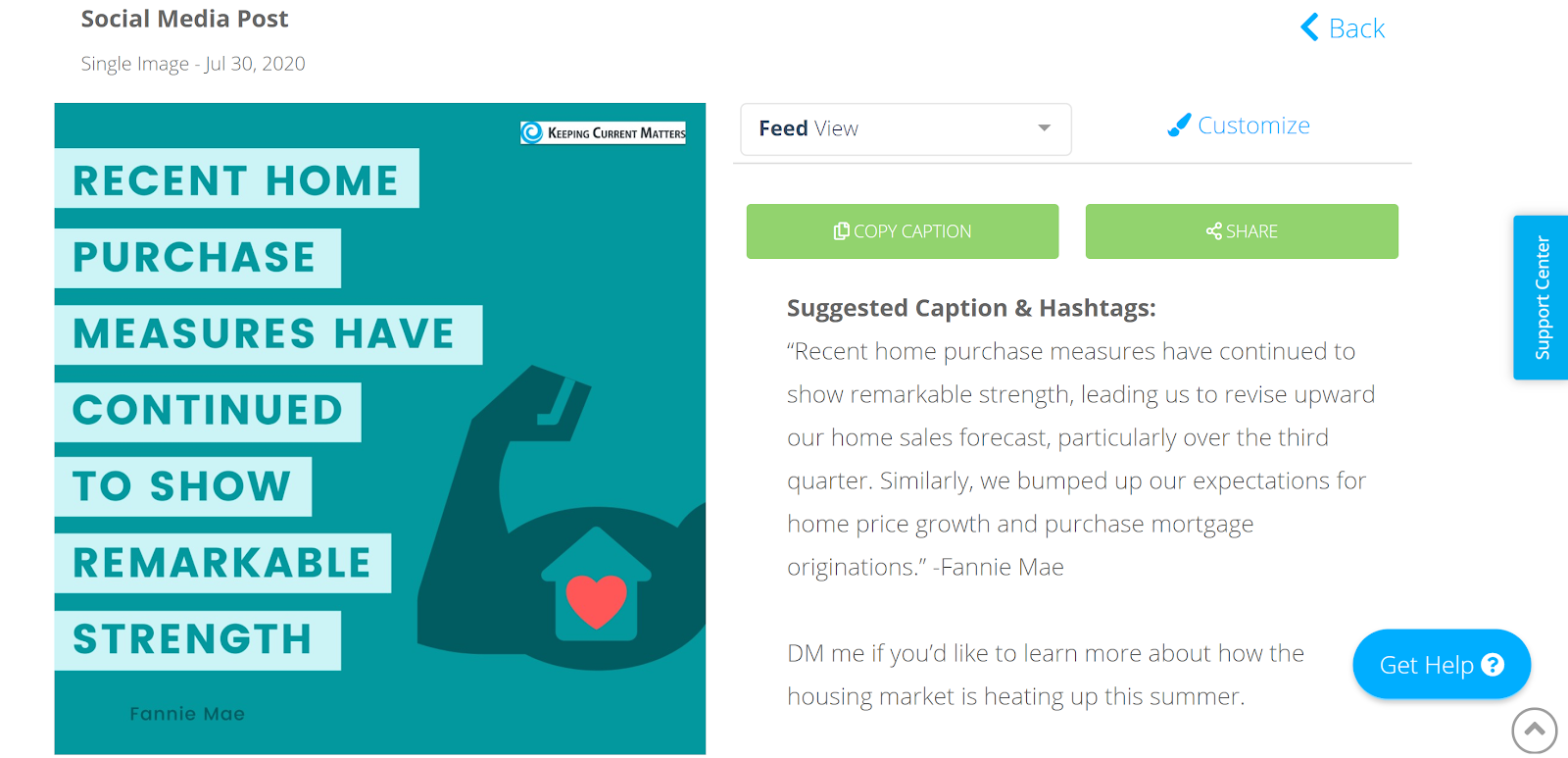
If you’re a KCM Pro Member, your social graphics also contain a pre-written caption for you:
Bottom Line
A social media post without a caption is like a homebuyer without an agent. Separately, they can end up lost but together, that’s where the magic happens.
When you invest a little extra time to include a caption, you’ll receive far more comments on each of your posts. Once your posts start to take off with comments, it shows the social media algorithms the sign that your posts are on point and should be more prevalent in feeds.
When written correctly, new prospects and clients you never knew existed will reach out and comment or send you a direct message.
We’re happy to answer any specific questions you have about creating captions for your social media posts. We can’t claim to be experts, but our team is happy to help as much as we can.
Just reach out to us at support@keepingcurrentmatters.com if we can help!
Nhận xét
Đăng nhận xét